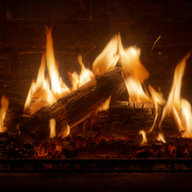
Your wood fire. One of a kind.
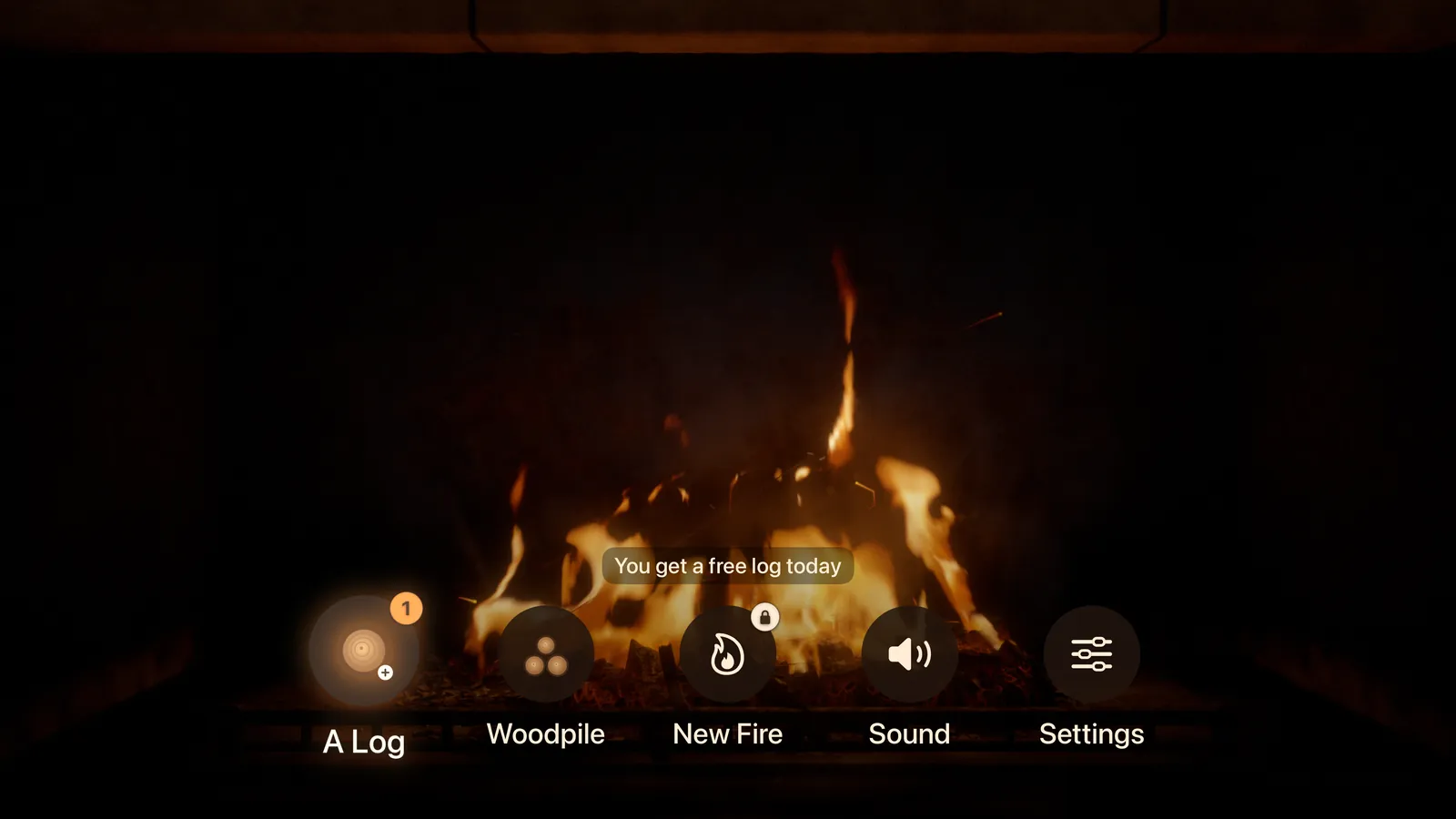
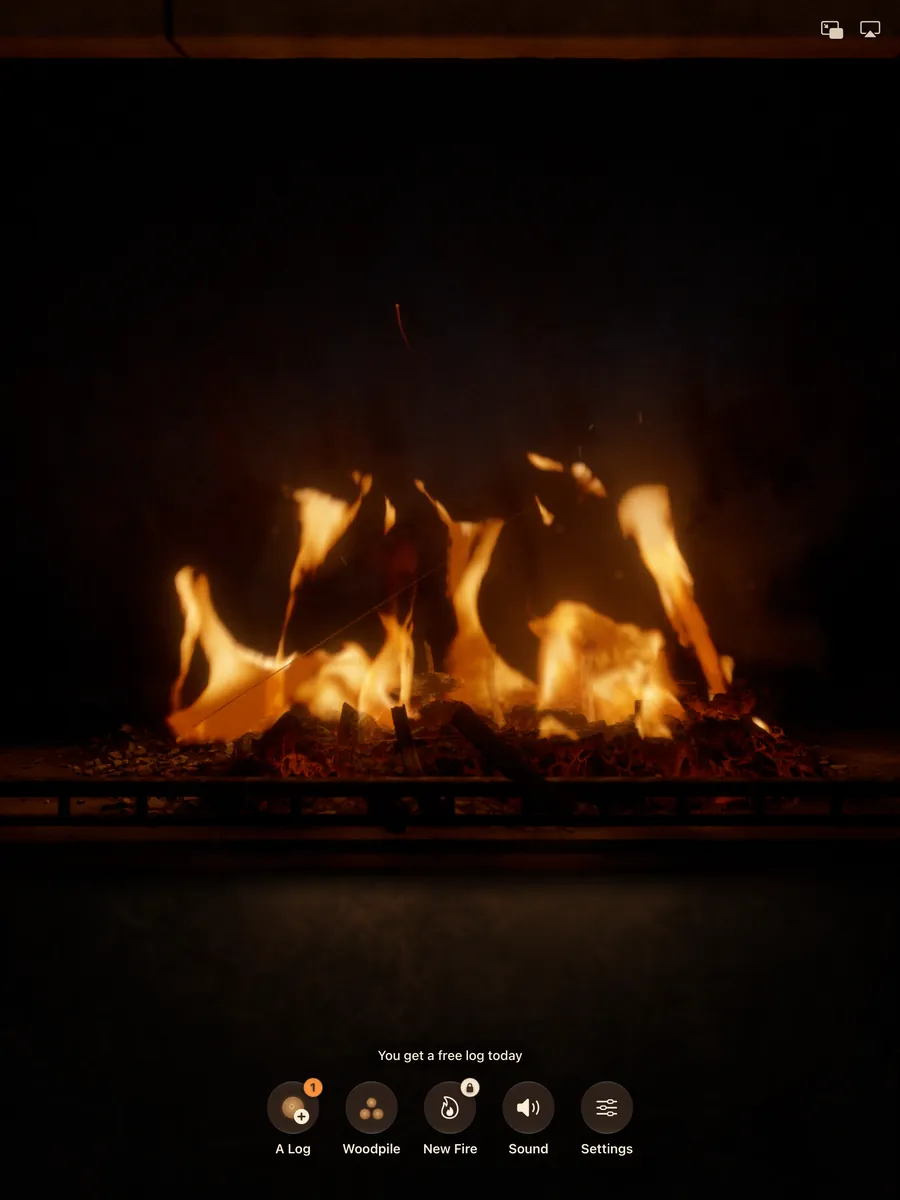
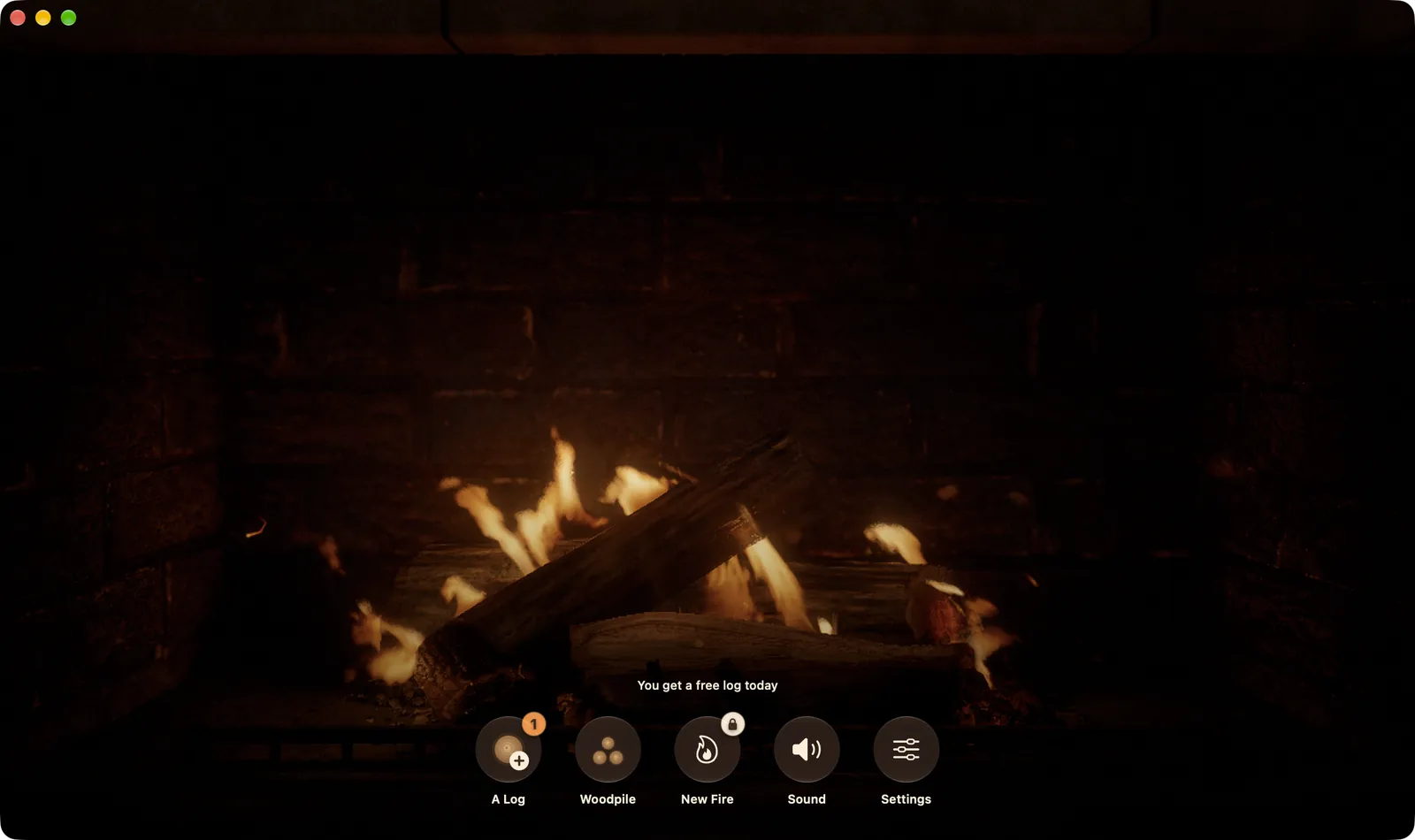
Not a video: a wood fire simulated in real time on iPhone, iPad, Mac and Apple TV. Leave it on for the evening, or come and tend it.

Free, with one optional purchase.
Tend it like a real fire.
- Tap a log to stoke the fire. Swipe to send a draft through the hearth.
- Add a log when the flames get low, and watch it catch.
- Every day, fresh logs wait for you in the hearth, and one more log is on the house.
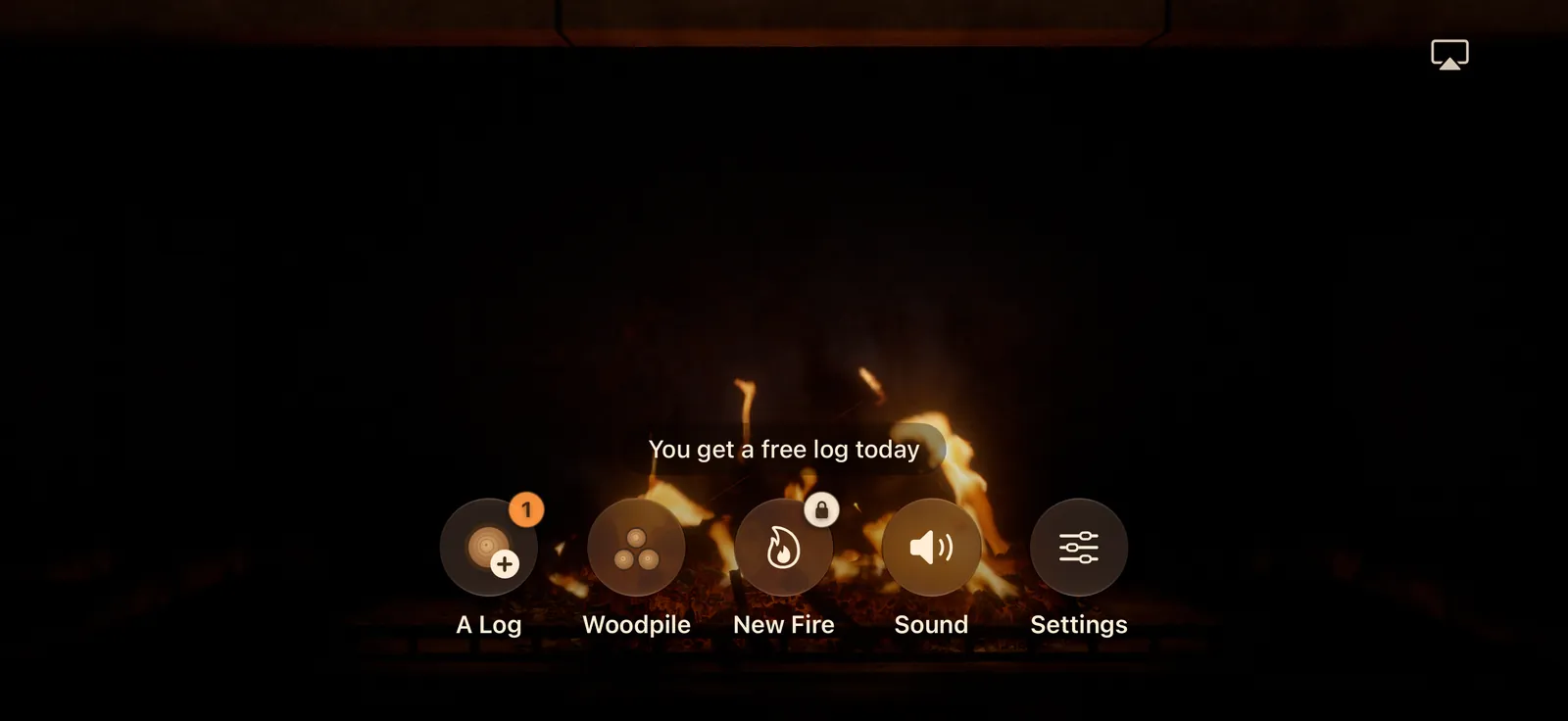
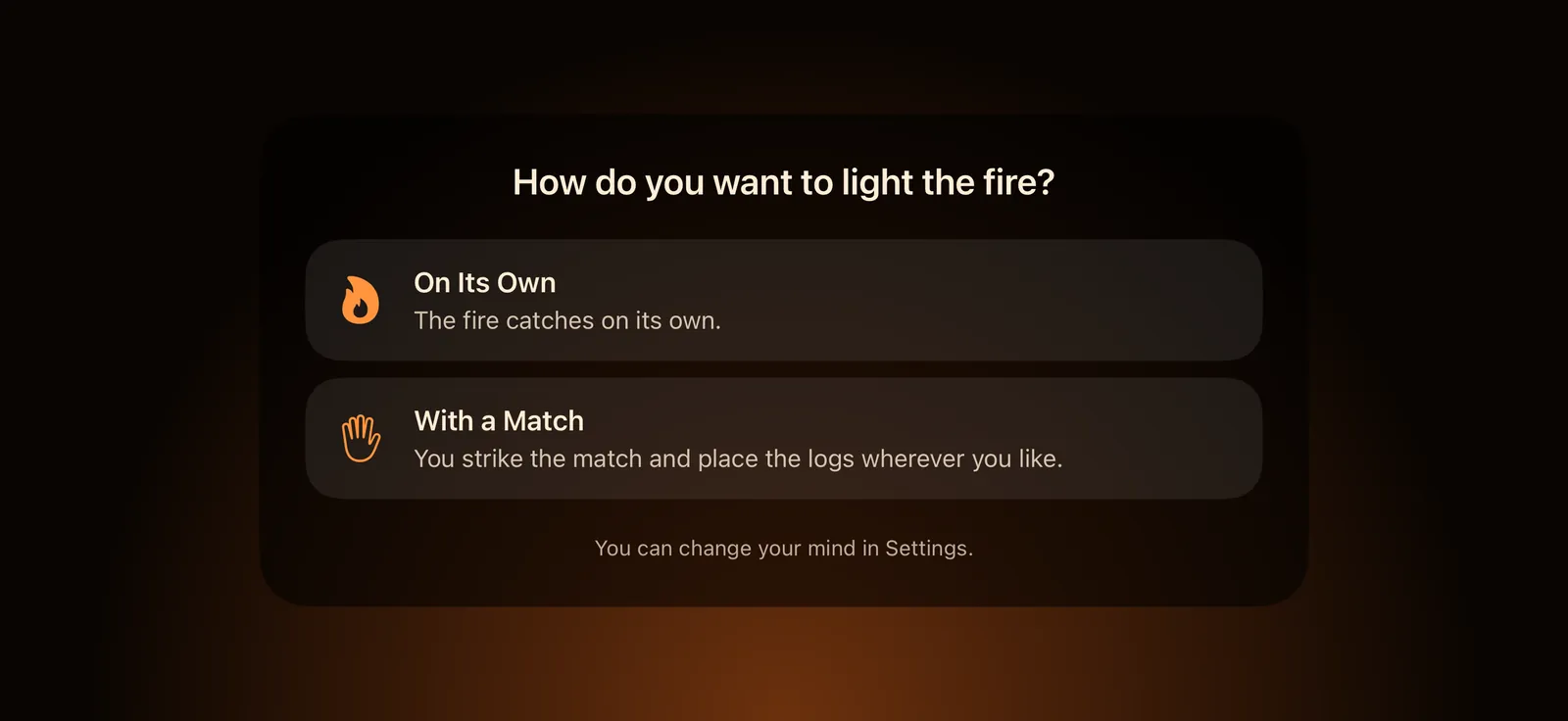
Light it your way.
- Light the fire with a match, and place each log where you want it.
- Or let it catch on its own and, with the Unlimited Woodpile, refill itself all evening.
The sound of the hearth.
- Crackles, pops and hisses that follow the flames.
- Better with headphones: the crackle comes from the fireplace.
- Set the volume, or turn the sound off.
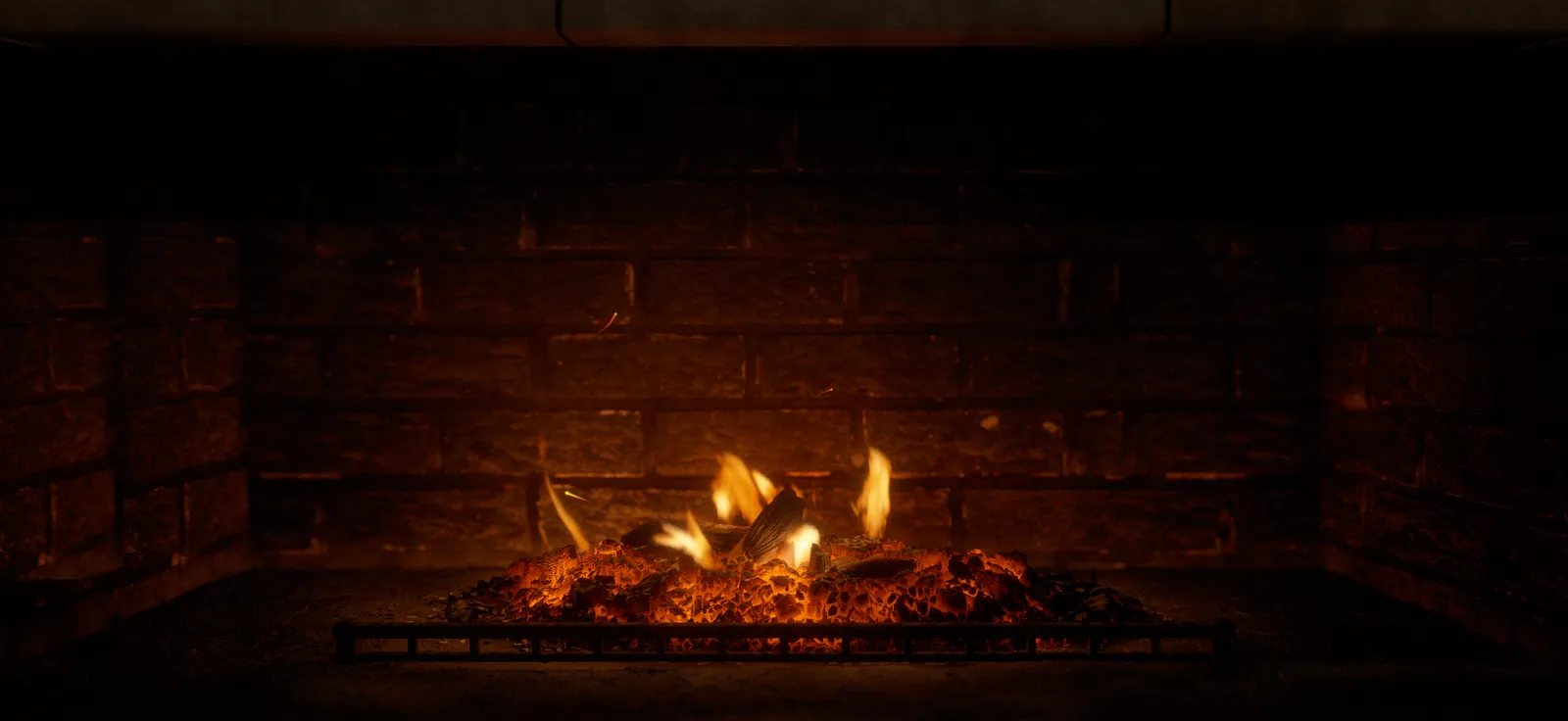
On every screen in your home.
- iPhone, iPad, Mac and Apple TV. On Apple TV, the fire even burns in the Top Shelf.
- Send the fire with AirPlay to an Apple TV, a HomeView or an AirPlay TV.
- Keep it in a corner of the screen with Picture in Picture.
- On iPhone Duo, open it like a laptop: the flames stand on one half, and their light spreads across the other.
- The screen stays on while the fire burns, if you wish.
Free, with one optional purchase.
Every day, fresh logs wait for you in the hearth, and one more log is on the house.
The Unlimited Woodpile, a one-time In-App Purchase, gives you as many logs as you like, the Refill button, automatic refill and a new fire whenever you want. It works on all your devices and with Family Sharing.
- No subscription
- No ads
- No account
- Nothing collected
Questions
Is Fireplace One a video?
No. The fire is simulated in real time on your device, so the flames never repeat. As the evening goes on, the logs char and settle, and the embers glow.
Which devices does it run on?
iPhone and iPad with iOS 26 or iPadOS 26 or later, Mac with macOS 26 or later, and Apple TV with tvOS 27.1 or later.
Can I put the fire on my TV?
Yes. Install Fireplace One on Apple TV, or send the fire from iPhone, iPad or Mac with AirPlay to an Apple TV, a HomeView or an AirPlay TV.
Is it free?
Yes. Every day, fresh logs wait for you in the hearth, and one more log is on the house. The Unlimited Woodpile, a one-time In-App Purchase, adds as many logs as you like, the Refill button, automatic refill and a new fire whenever you want.
Is there a subscription?
No. The Unlimited Woodpile is bought once. No subscription, no ads, no account. It works on all your devices and with Family Sharing.
Can I turn the sound off?
Yes. Set the volume or turn the sound off from the menu or in Settings. The screen stays on while the fire burns, if you wish.
Does Fireplace One collect data about me?
No. There is no account, no analytics and no ads, and the app collects no data. Read the privacy policy.
Light your fire.
Fireplace One for iPhone, iPad, Mac and Apple TV, on the App Store.